Duties prepaid on every order.|Tracked to your door, nothing to pay on delivery.
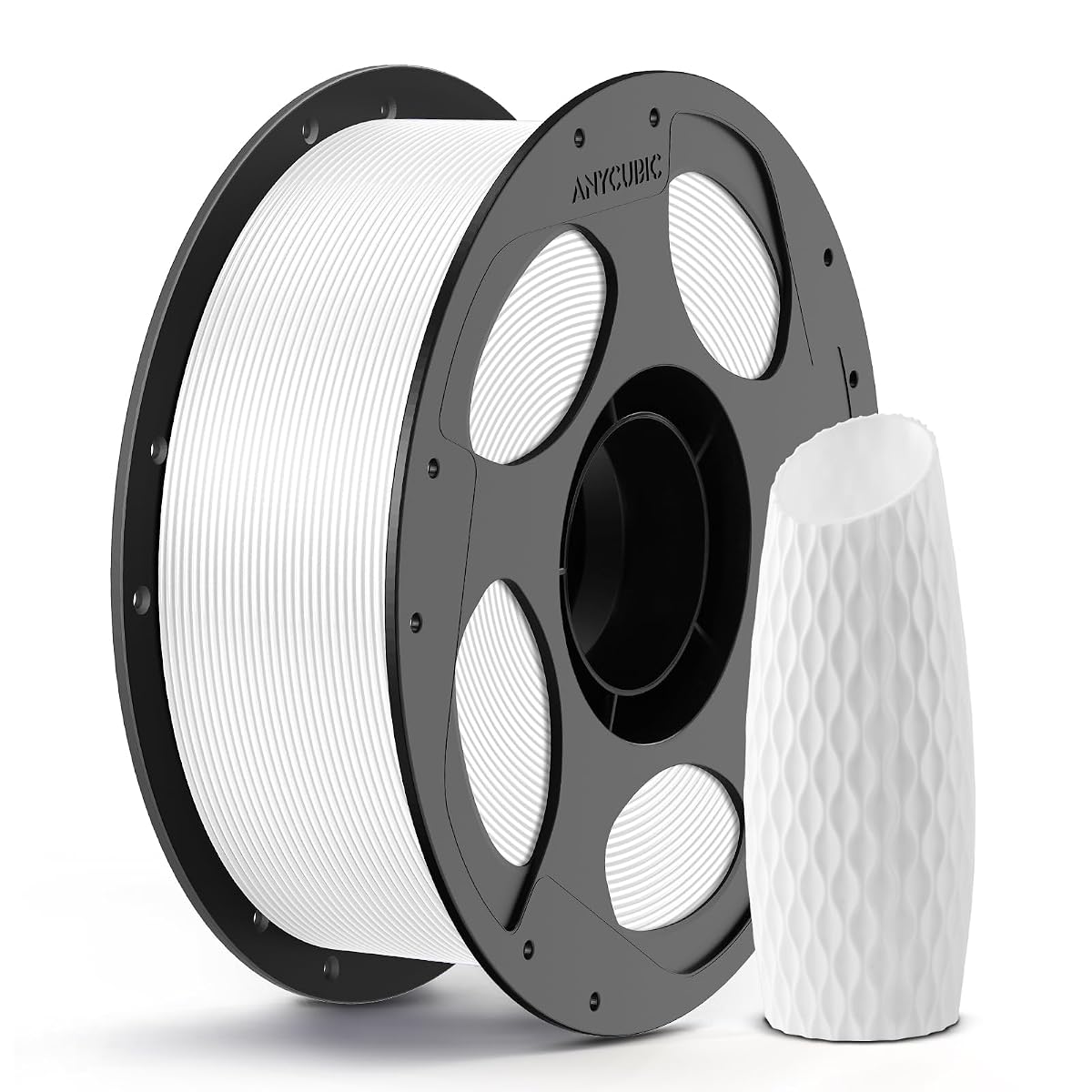
【Boosting Efficiency with Intelligent ldentification】Anycubic filaments feature…
【Accuracy & Consistency】 Anycubic 3D Printer PLA filament of 1.75mm diameter, minimum…
【Neat Spool & Premium Quality】 The 3D Printing PLA filament was neat on the roll and…
ABOUT THIS FIND
How to replace filaments 1.Install the spool on the spool holder of a 3D printer, and preheat the nozzle 2.Cut the top of the filament into a spire shape, and thread it into the extruder and feeding tube 3.Manually push the filament through the feeding tube to the nozzle, until the filament melts through the nozzle Extra attention needed When installing and replacing filaments, make sure to heat the print head (heated to above 200°C), otherwise the print head might get clogged.
- 【Clog-Free & Bubble-Free】 Designed and Manufactured with a Clog-Free to ensure a smooth and stable printing experience with our PLA refills. Completely dried for 24 hours before packaging and vacuum sealed with desiccants in nylon re-bag enable much smoother and more stable printing. The larger spool inner diameter design makes feeding smoother.
- 【For Most 3D Printers】The Anycubic Filament offers great compatibility with a wide range of temperatures and printing speeds, making it suitable for mainstream printers available on the market.
- 【Reuseable Filament Spool】Optimized threaded connection delivers enhanced stability when paired with spool-free filaments, effectively preventing filament shedding and scattering, and reducing entanglement errors.
Specifications
| Brand Name | ANYCUBIC |
| Manufacturer | ANYCUBIC |
| Item Type | Filament 3D Printing Materials · Industrial & Scientific |
| Shipping Weight | 1.34 kg |
| Package Dimensions | 20.9 × 19.9 × 7.4 cm |
| Category | Industrial & Scientific › Additive Manufacturing Products › 3D Printing Materials › Filament 3D Printing Materials |
| Category Rank | #1,530 in Industrial & Scientific |
| Marketplace Rating | 4.5 out of 5 (670 ratings on the source marketplace) |
| Attributes | 【Boosting Efficiency with… · 【Accuracy & Consistency】… |
Common questions
ANYCUBIC
ANYCUBIC 3D Printer PLA Filament 1.75mm, 1kg Spool(2.2 lbs), Dimensional Accuracy +/- 0.05 mm, Fit Most FDM Printer 3D Pen, White, 1 Pack
★ 4.5670 marketplace ratings· 100 bought in past month
US$ 17.99-33%33% OFFregular price reg. US$ 26.99
You save US$ 9.00 off the regular price
Product price in USD · shipping & import duty for your country are calculated at checkout
● In stock
Delivery Sep 16 – Sep 23 to United States
1
【Boosting Efficiency with…【Accuracy & Consistency】…
More from Filament 3D Printing Materials.

OVERTURE
OVERTURE PETG 3D Printer Filament 1.75mm, 1kg Filament (2.2lbs), Dimensional Accuracy 99% Probability +/- 0.03mm, Fit Most FDM Printers (White)
US$ 82.99

Polymaker
Polymaker PolyTerra Matte PLA 3D Printer Filament - 1.75mm Charcoal Black, 1kg Carton Spool - Compatible with Most 3D Printers
US$ 91.99

Polymaker
Polymaker PolyTerra Matte PLA Filament 1.75mm Cotton White - 1kg Carton Spool for 3D Printers
US$ 86.99

iSANMATE
3D Printer Filament, PLA Filament Glow in The Dark, 1.75mm Dimensional Accuracy +/- 0.03 mm, 1 kg Spool
US$ 99.99
The world, à la carte.
Premium finds from the source, delivered to your door the fastest way. Shipping & duties are settled at checkout, so there's nothing to pay at delivery.
WE SHIP FROM
🇮🇳 INDIAOver 100,000 products, one country, sourced direct.
CUSTOMER SUPPORT
Ask a specialist, any time
Email a specialist →We reply within 24 hours
[email protected]Something arrived damaged?
Email us photographs and we will make it right →GUARANTEED SAFE & SECURE CHECKOUT
COPYRIGHT © 2026 AALACART
aalacart is operated by Cord4 Services Pvt Ltd · 921 Binori Square 3, Sindhu Bhavan Marg, Bodakdev, Ahmedabad 380059, Gujarat, India